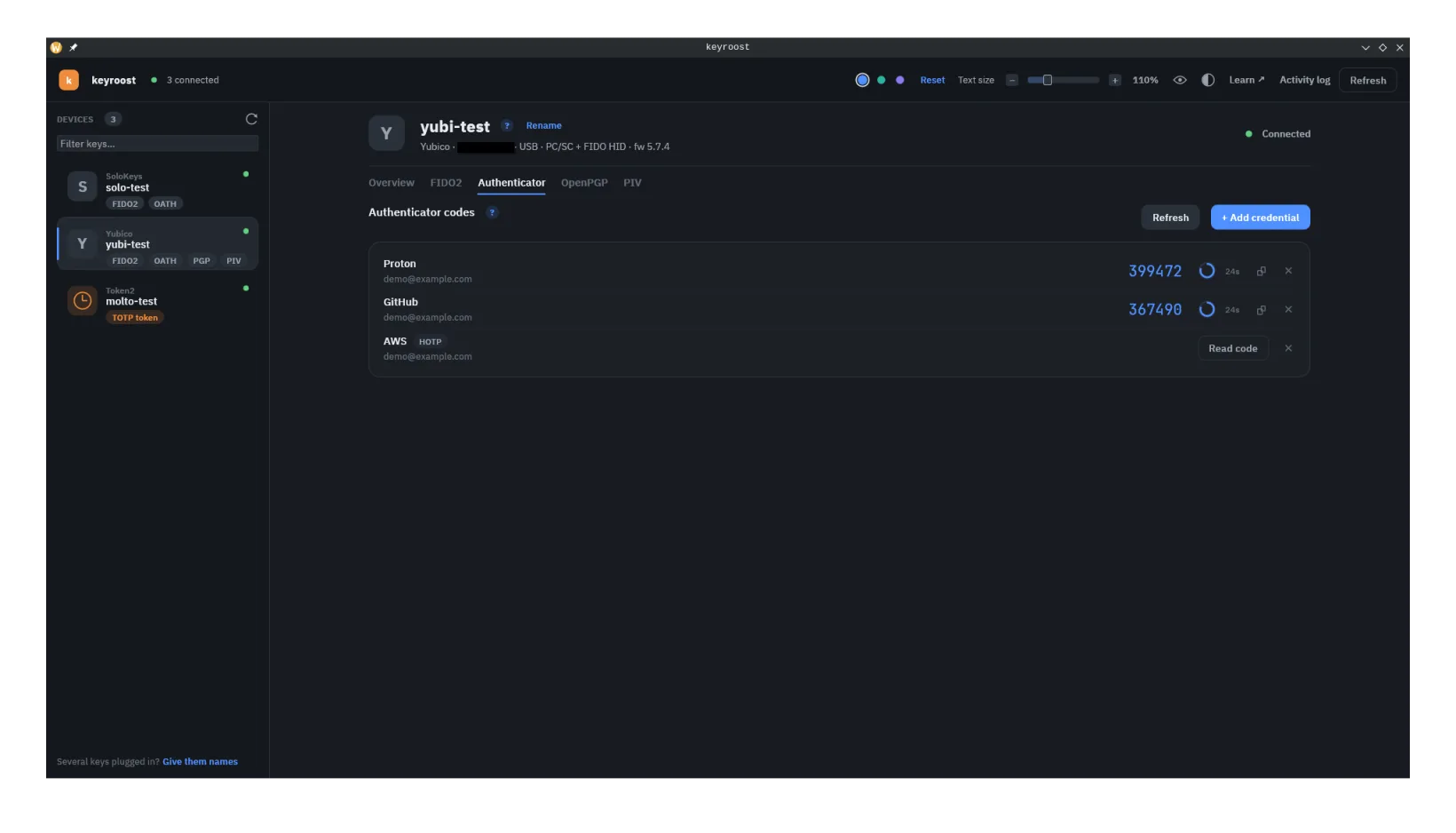
What it is
OATH is the open family of one-time-password algorithms behind authenticator apps: TOTP (time-based, RFC 6238) and HOTP (counter-based, RFC 4226). Each account shares a secret seed with the service once, at setup; afterward both sides independently compute the same short code from that seed plus the current time (or a counter). Nothing is transmitted but the code you read off.
Storing those seeds on a hardware key (via the Yubico/Trussed OATH applet, reached over PC/SC) keeps them off a phone that syncs to the cloud and out of an app that can be cloned. The seeds don't leave the key; codes are computed on-device when asked.
How it compares
- vs. SMS: far better — no SIM-swap or interception risk.
- vs. an authenticator app: seeds live on tamper-resistant hardware rather than a phone backup, and some keys require a physical touch to release a code.
- vs. FIDO2: TOTP is not phishing-resistant — a code can be typed into a fake site and replayed within its ~30-second window. Use FIDO2 where the site supports it; use OATH where it only offers "authenticator app."
The OATH applet can be protected by a password that must be presented before codes
can be listed or computed — a useful extra gate if the key is shared or lost. Forget
it and the only way back is keyroostctl oath reset --yes, which needs no
password but wipes every stored seed with it.
See resetting →
What keyroost does with OATH
Over PC/SC: list credentials, add and delete them, compute codes, and set / clear / unlock the applet password — all with an in-tree, pure-Rust OATH byte layer.
keyroostctl oath list --reader yubikey
keyroostctl oath code <name> --reader yubikey
In the desktop app, credentials can be added from an
otpauth:// URI (the same format behind setup QR codes); on the CLI the
secret is supplied to oath add via --secret-stdin /
--secret-env. This works on any card exposing the OATH applet —
YubiKey, Nitrokey, SoloKeys, Feitian, Token2, OpenSK and others — over USB or an
NFC / PC-SC reader; --reader yubikey above is just an example reader-name
filter, not a vendor requirement.