What it is
A hardware security key is a dedicated little computer with one purpose: store cryptographic secrets and use them on demand, while making it physically and logically hard to extract those secrets. Private keys are generated on the device and are designed to be non-exportable — software asks the key to sign or authenticate, and only the result comes back out.
That single property is what makes a key resistant to remote attacks: malware can use the key while you're plugged in and unlocked, but it can't steal the key to use later, and a server breach can't leak something that was never on the server.
One device, several "applets"
Most general-purpose keys expose multiple independent functions over USB (and sometimes NFC). You can use any subset:
Form factors & transports
- USB-A / USB-C — pick the connector your computer (and phone) use.
- NFC — tap to the back of a phone for mobile use; great as a backup transport.
- Lightning — for older iPhones without USB-C.
- Biometric variants — some keys add a fingerprint sensor so the on-key check is a touch of your finger rather than a PIN.
Check the connector against every device you'll use it on, and confirm the specific service supports security keys on the platforms you care about (desktop vs. mobile can differ).
Choosing well
- Buy two. One to carry, one backup registered everywhere. Losing your only key with no backup is the most common painful mistake.
- Match the applets to your goals. Everyday account security needs only FIDO2. SSH/PGP/enterprise login pull in PIV or OpenPGP.
- Prefer open standards over lock-in. FIDO2, OATH, PIV, and OpenPGP are all open — a key implementing them works with many tools, including this one.
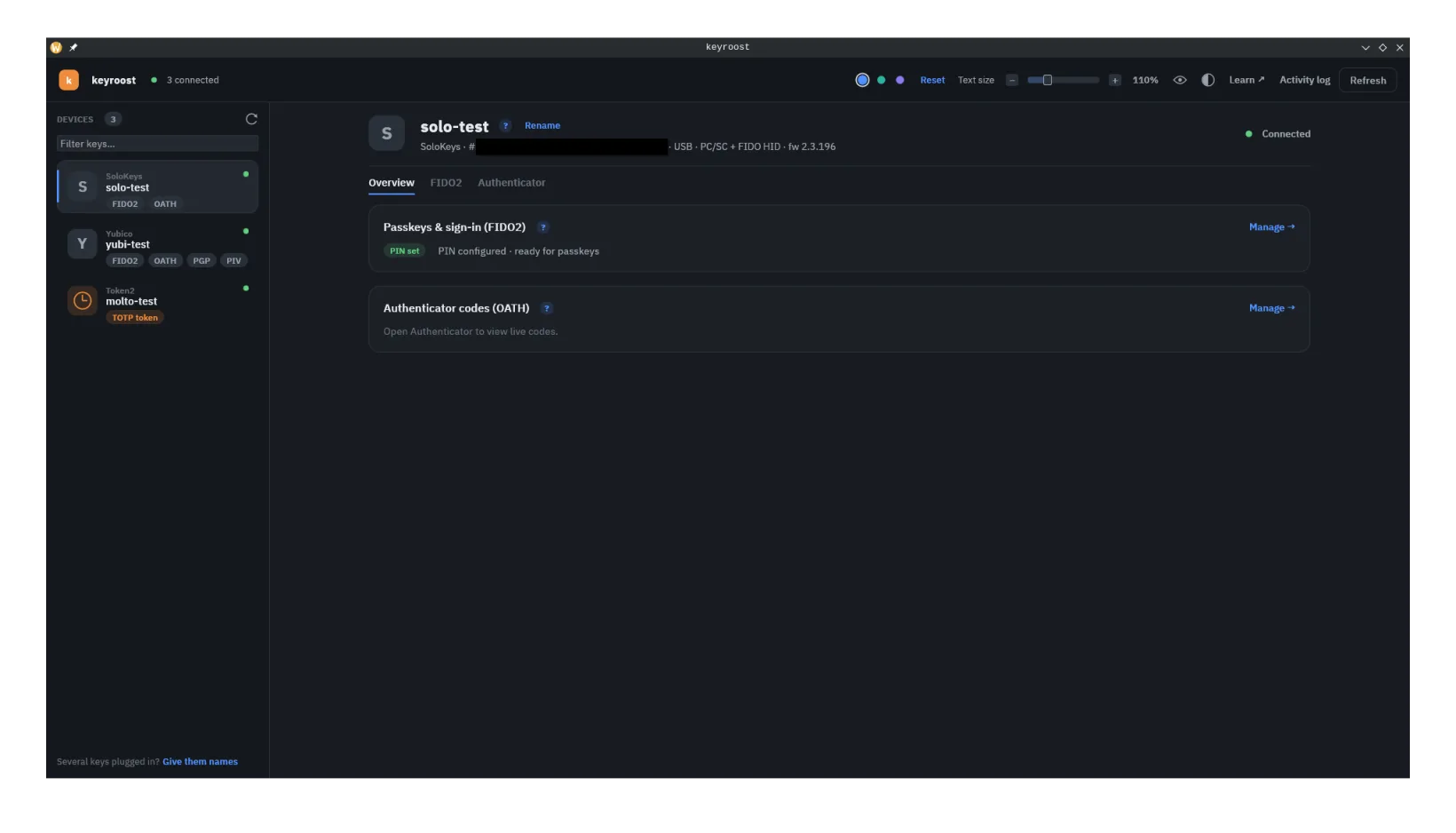
With keyroost: keyroostctl list discovers connected
readers and FIDO authenticators so you can see exactly what's plugged in and which
applets each device exposes — read-only, no PIN required.